Select the Main sub menu.
|

Select the Maintain Employees option.
|

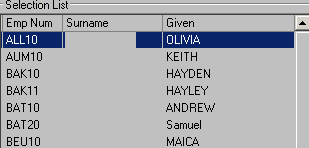
Select the required employee from the list.
|
Select the Edit option in the toolbar.
|

Select the General tab. |
Select the Add Row button in the Standard Weekly Deductions section.
|

Select Voluntary Super Contributions for the deduction type and enter the weekly amount of the deduction.
|

Select the Save option in the toolbar
|
