Select the Main sub menu.
|

Select the Maintain Employees option.
|

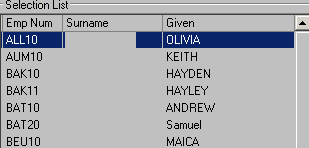
Select the required employee from the list on the left.
|
Select the Edit option in the toolbar.
|

Select the Accrual tab. |
Tick the Suspend Leave Accrual option.
|

Select the Save option in the toolbar
|
