This task should only be performed in the employee is completely ceasing employment. If you have any further questions then contact Abcom support for more information. |
Select the Year End sub menu.
|

Select the Payment Summary Setup option.
|
Confirm the details on the Payment Summary Preparation tab and the details on the Allowance / Deductions Shown on Payment Summary tabs are correct and select OK to return to the Year End sub menu.
|

Select the Print Payment Summaries option.
|

Select the employee(s) to generate a payment summary for from the Employee List.
|
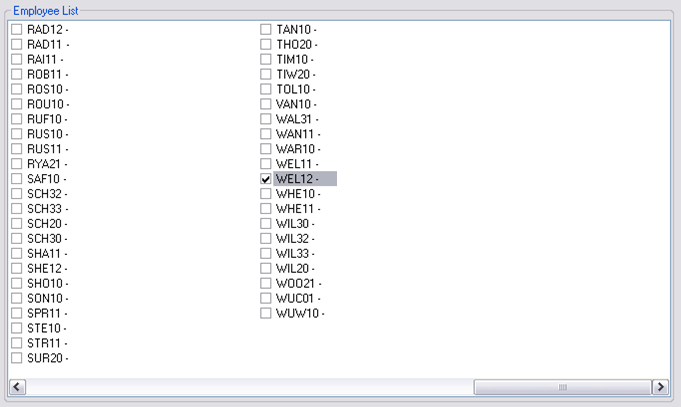
Only select the people you require a payment summary for as a payment summary may only be generated for an employee once in a financial year. |
Select OK to continue and create the payment summary. You may print or export this report as required.
|
Close the payment summary report. It will now be archived automatically. Select OK to complete the process.
|